IKA FLY Guide (Ver2): Steering Tips, Boost Chains and Perfects, the Ink Dash, Safe vs. Misses, and How ★ Work
IKA FLY is a 3D flight race where Chibi Squid soars over 20 cities around the world, flying through glowing rings and racing three rivals to the goal. In Ver2, the way chaining rings speeds you up changed a lot. Here, as the makers at IKA LAB, we explain how the game actually works: steering, the speed rules, the gauge and Ink Dash, how misses are handled, the difficulties and the rules for ★.
Small finger moves, automatic height
Chibi Squid keeps flying forward on its own. Put your finger down and slide it left or right to turn, or up and down to change your height a little. Switching to "Tap sides" in the settings lets you turn by pressing the left or right side of the screen. On a computer, use the arrow keys or WASD.
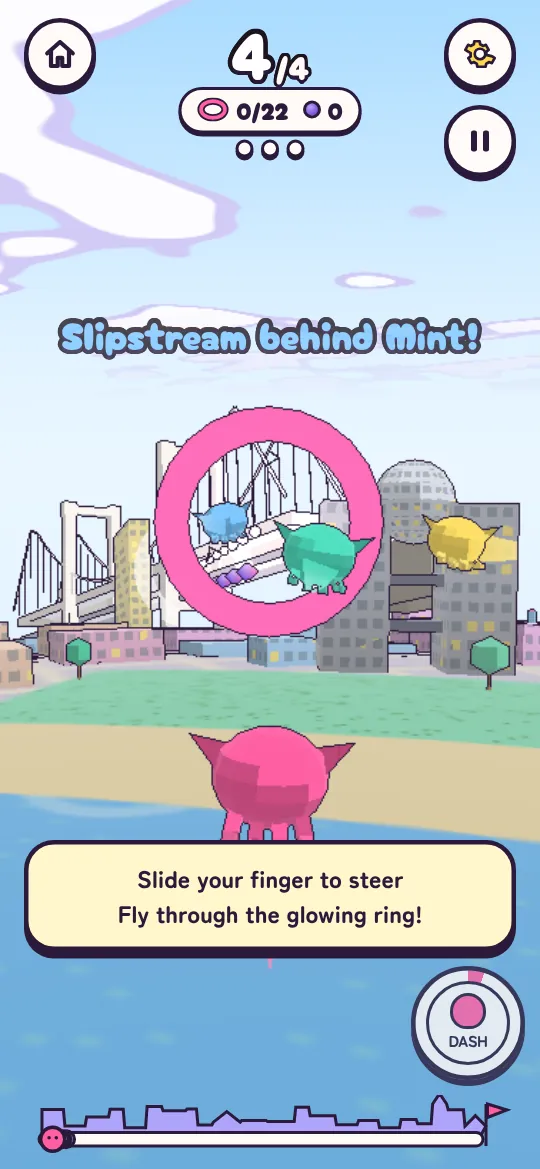
Turning speed has a limit, so big finger movements don't make you turn faster. Small adjustments make it easier to line up with the rings. Height normally follows the next ring automatically, but it is set to pass a little below the center. When you want the center, nudge up yourself.
The next ring is pink. The top of the screen shows your place, the rings you've passed and your ink orbs, and the bar at the bottom shows how far you and the rivals have flown. If you drift way off, "This way!" tells you where to go.
Chains at 2, 4 and 7 rings, and Perfects
Passing rings in a row builds a chain that makes you faster: "BOOST!" at 2, "BOOST!!" at 4 and "Squid Speed!" at 7. Squid Speed lasts five seconds, and then the chain goes back to 0. You can trigger Squid Speed up to three times per stage.
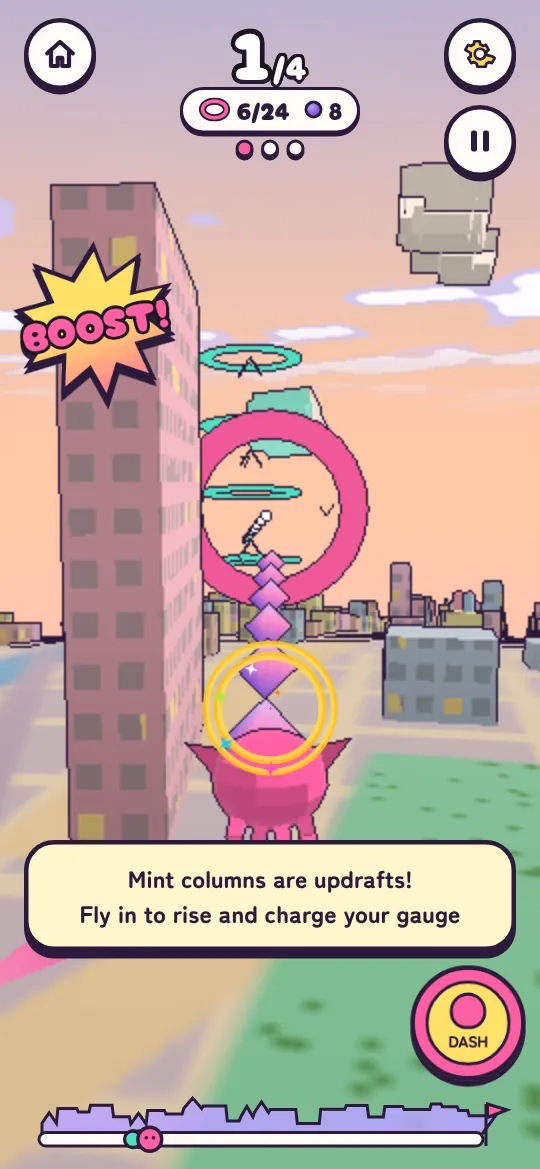
Passing near the center of a ring is a "Perfect", which adds three to your chain at once. Just two Perfects in a row put you right before "BOOST!!". Missing a ring resets the chain to 0.
When the gauge fills, Ink Dash
The ring around the DASH button at the bottom right is your gauge. It fills when you pass rings, score Perfects, fly right next to buildings ("Close"), tuck in behind a rival ("Slip"), grab ink orbs, enter updrafts and more.
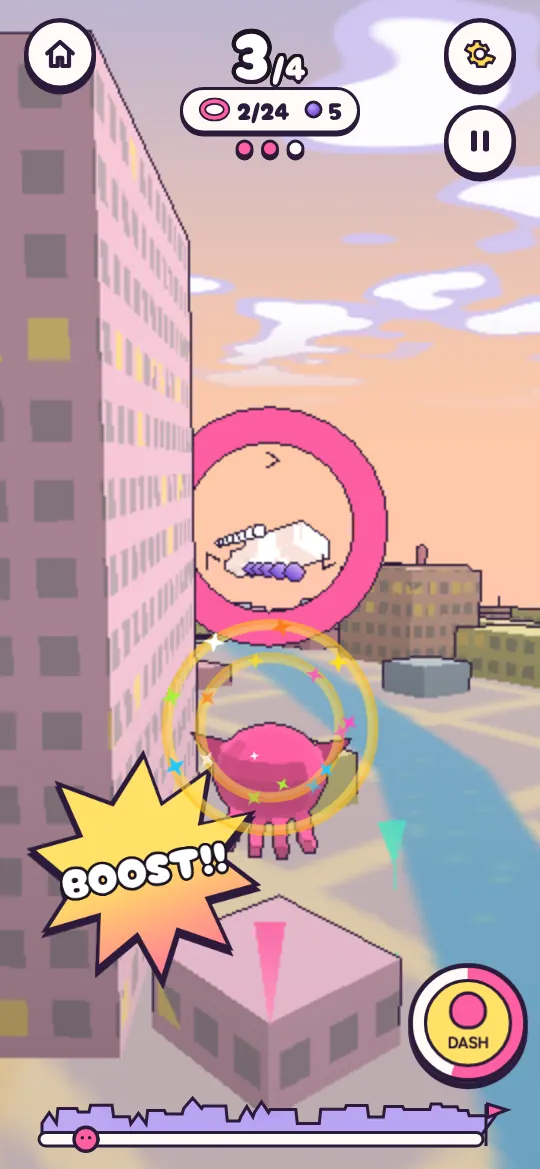
When the gauge is half full, press the button (Space on a computer) to Ink Dash. It makes you much faster for a short moment and uses half the gauge. Use it on straight stretches so none of it goes to waste.
Safe, misses, Boing and Back to course
The first ring you miss on each stage is "Safe!" and doesn't count as a miss. From the second one on, it's a real miss: you slow down a little and your chain resets.
Bumping into buildings or walls just makes you bounce with a "Boing!" and slows you a little. You never fall and there is no game over.
If you stay far from the route or barely move forward, a "Back to course" button appears. It puts you back on the course, but you can't finish 1st that run. Also, once all three rivals have finished, the race ends with "Time up" after 20 seconds.
Easy, Normal, Hard and ring assist
Pick a difficulty before you start. Easy has bigger rings, Normal has regular rings, and Hard has small rings and faster rivals. Your own flying speed also changes with the difficulty.
"Ring assist", which pulls you toward the rings, can be set to Strong, Normal or Off in the settings. If you leave it alone, the first three cities use Strong and the fourth city onward uses Normal. Only while your finger is off the screen, a small force also turns you toward the course; it is strongest on Easy and absent on Hard.
Places, ★ and IQ 120
Finish in the top 3 to unlock the next city on that difficulty. You earn ★1 for the top 3, ★2 for 1st and ★3 for 1st faster than the target time. If you win but miss ★3, the result screen shows the target, such as "★3: finish in ...s".
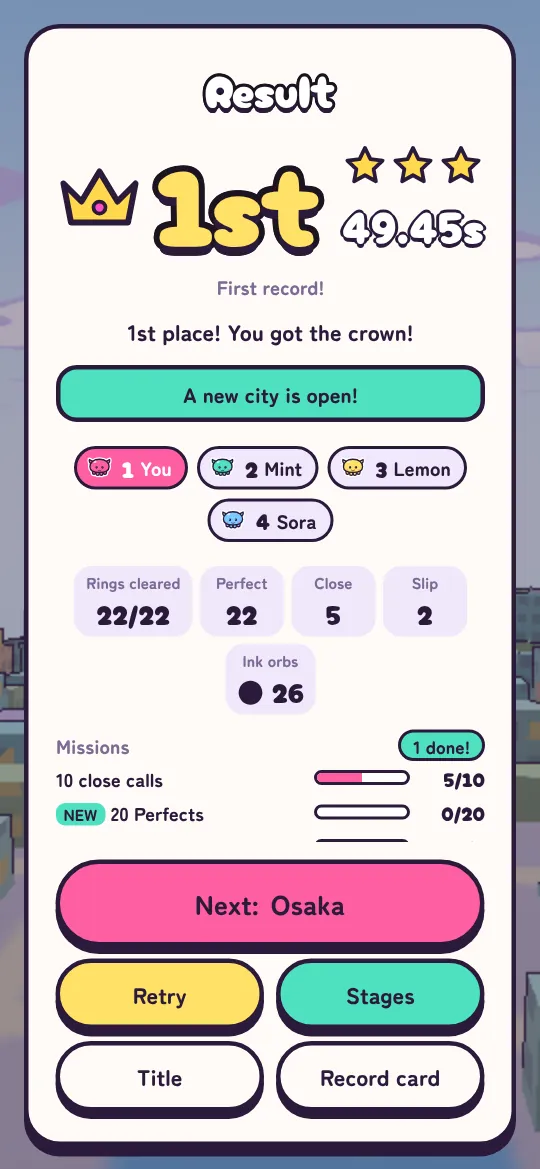
Finish without missing a single ring (other than your Safe) and the result screen says "No misses! An IQ 120 flight path!". In 1st place you also get the crown. The result screen also shows how many Perfects, Close and Slip you scored and how many ink orbs you collected.


